
Coding Compendium
A free 100-page ebook collecting my projects and tutorials for Raspberry Pi, micro:bit, Scratch and Python. Simply join my newsletter to download it.



Way back at the start of the popular web, when people first started creating personal homepages, I wrote this Javascript routine to change the background colour of the website each day.
The idea was to make the site look fresh for returning visitors, and the script was published on Wired's popular Webmonkey website. Today, we know that it's better to be consistent so that viewers understand the boundaries of your website, and that the most important thing is having a high contrast between foreground text and background colours. In any case, I've left this script here for if you find it helpful. The coloured area you see in the background doesn't look great in my updated website design, but it might look better on your site. I've used a white box for the content here to ensure it's readable.
Web surfers are tough on sites. Even covering a slow moving subject area (eg grass growing, paint drying) the pressure is on to update daily. This routine will change your background color each day of the week, creating the illusion of rampant activity and making the site look fresh each day. Call it with a list of the colors you want for each day, starting with Sunday. Supply colors as rgb values (eg "#ffffff") or as colour names (eg "white").
This program has two parts to it. Most of it is just pasted between the <HEAD> tags exactly as it appears in the box below. This sets the code up ready to be called.
To actually change the colour, this command is added to the <BODY> tag:
onLoad='SM_dailybg("#33ccff", "#99ccff", "#cc9966", "#ccccff", "#cc99cc", "#ffff99", "#000000");'
Obviously, the choice of colours will be your own, but start with Sunday and then put them in the order of the days. This page is running the script itself, so you should see the following background colours:
|
|
|
|
|
|
|
|
|
|
|
|
|
|
Those colours were chosen to work within the design of this screen, which means they sometimes repeat other colours from the screen. The colour you need to be looking at is the one that frames the whole of the webpage, the colour nearest the edge of the browser.
Remember, you don't need to change any of the published code, you just need to add the command above and adapt the onLoad tag. If you're not sure how it works, try looking at the source of this page.
You're allowed to include this script on your website for free. A link to this site would be appreciated but is not required.
© Sean McManus. All rights reserved.
Visit www.sean.co.uk for free chapters from Sean's coding books (including Mission Python, Scratch Programming in Easy Steps and Coder Academy) and more!
A free 100-page ebook collecting my projects and tutorials for Raspberry Pi, micro:bit, Scratch and Python. Simply join my newsletter to download it.

Web Design in Easy Steps, now in its 7th Edition, shows you how to make effective websites that work on any device.

Power up your Microsoft Excel skills with this powerful pocket-sized book of tips that will save you time and help you learn more from your spreadsheets.
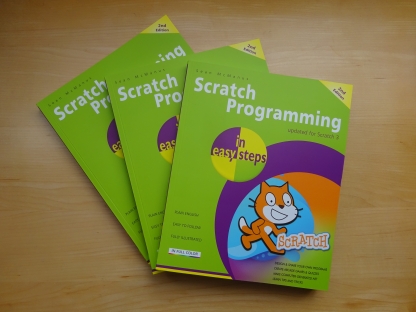
This book, now fully updated for Scratch 3, will take you from the basics of the Scratch language into the depths of its more advanced features. A great way to start programming.

Code a space adventure game in this Python programming book published by No Starch Press.
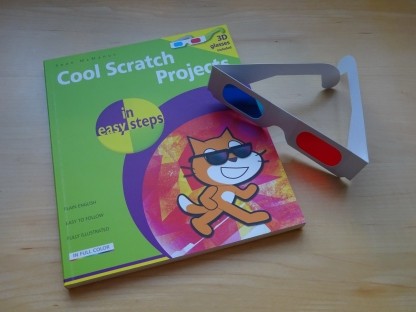
Discover how to make 3D games, create mazes, build a drum machine, make a game with cartoon animals and more!
 Top | Search | Help | Privacy | Access Keys | Contact me
Home |
Newsletter |
Blog |
Copywriting Services |
Books |
Free book chapters |
Articles |
Music |
Photos |
Games |
Shop |
About