Coding Compendium
A free 100-page ebook collecting my projects and tutorials for Raspberry Pi, micro:bit, Scratch and Python. Simply join my newsletter to download it.



Original script by Daniel Toljaga. This interface, bug fix and text by Sean McManus.
Meta tags enable you to provide information about your website to search engines and other software programs. The most useful is probably the Title tag. This appears at the top of your browser bar, and as the title of links in your favourites menu. It's also used in most search engines as the text of the link to your site.
You can also suggest keywords and descriptions for your webpage. I say 'suggest' because most search engines are wising up to the fact that webmasters often lie about their page content to try to boost their site's ranking. Today fewer and fewer search engines rely on keyword meta tags. It's still worth entering them but it's counterproductive including keywords that don't also appear in your page text.
The free meta tag creation tool on this page will provide the code you need to add the most often used meta tags to your webpage. Enter the information in the forms, click the button and copy and paste the code provided between your webpage's HEAD tags.
Advanced webmasters can also generate the more advanced optional meta tags.
These are the ones it's a very good idea to complete...
Now enter your meta tags in the boxes below:
Once you've created your meta tags and they're in the form box above, copy them and paste them between the <HEAD> and </HEAD> tags of your webpage.
You should have different meta tags for each page on your site for two reasons:
© Sean McManus. All rights reserved.
Visit www.sean.co.uk for free chapters from Sean's coding books (including Mission Python, Scratch Programming in Easy Steps and Coder Academy) and more!
A free 100-page ebook collecting my projects and tutorials for Raspberry Pi, micro:bit, Scratch and Python. Simply join my newsletter to download it.
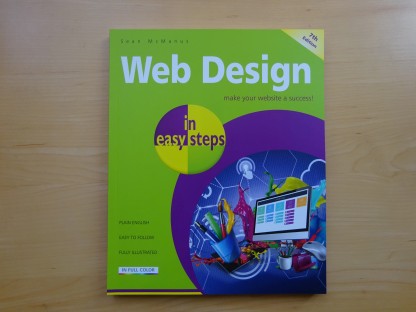
Web Design in Easy Steps, now in its 7th Edition, shows you how to make effective websites that work on any device.
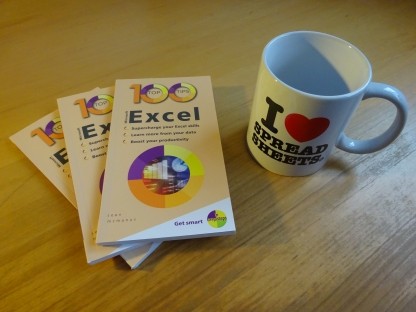
Power up your Microsoft Excel skills with this powerful pocket-sized book of tips that will save you time and help you learn more from your spreadsheets.
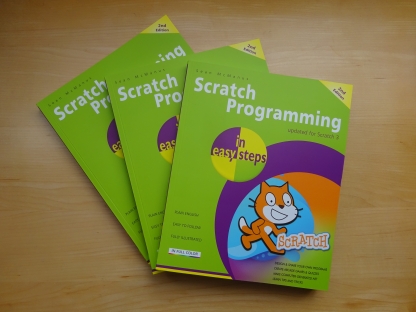
This book, now fully updated for Scratch 3, will take you from the basics of the Scratch language into the depths of its more advanced features. A great way to start programming.
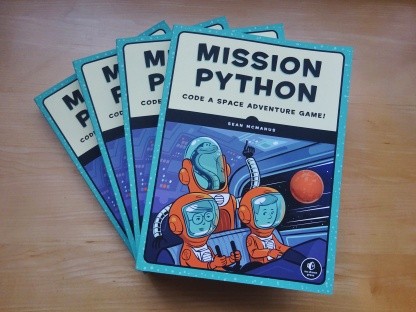
Code a space adventure game in this Python programming book published by No Starch Press.
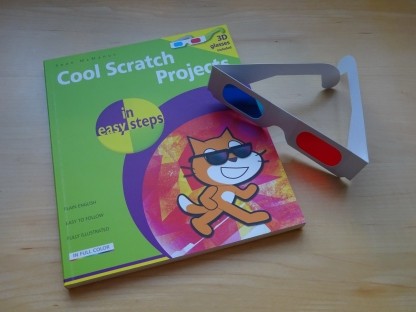
Discover how to make 3D games, create mazes, build a drum machine, make a game with cartoon animals and more!
 Top | Search | Help | Privacy | Access Keys | Contact me
Home |
Newsletter |
Blog |
Copywriting Services |
Books |
Free book chapters |
Articles |
Music |
Photos |
Games |
Shop |
About