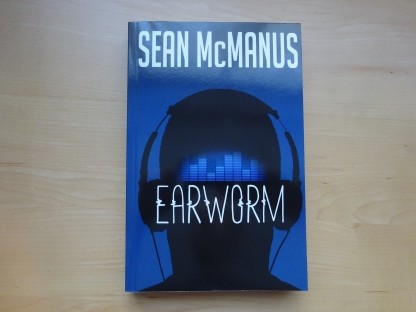
Earworm
New 10th anniversary edition of my acclaimed novel about what happens when AI and the music business collide.

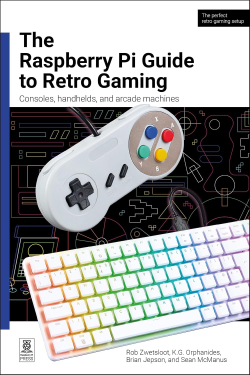
The Raspberry Pi Guide to Retro Gaming shows you how to play classic games from home computers and retro consoles on today's Raspberry Pi devices.
The book was written by Rob Zwetsloot, K.G. Orphanides, Brian Jepson, and Sean McManus. It was published by Raspberry Pi Press in 2026.
I contributed the chapter on ZX Spectrum BASIC programming. The limitations inspire creativity, and it’s easy it is to get started. Whether you’re an experienced programmer curious about the oddities of Sinclair BASIC or someone who typed in listings in the 80s without really understanding them, this is for you. If you're familiar with other BASIC variants, such as Amstrad BASIC, you'll discover some of the quirks of Spectrum BASIC too.
The tutorial was written for Raspberry Pi users but applies equally whether you're using an emulator, original Spectrum or modern Spectrum-compatible hardware.
The chapter covers:
Buy from the publisher Buy from Amazon
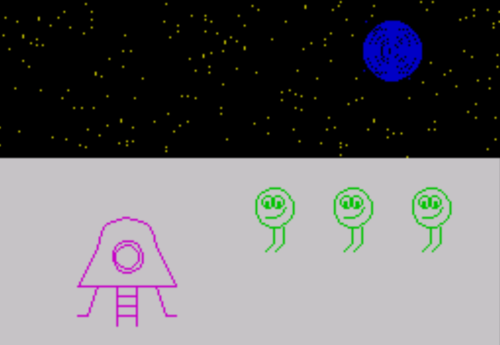
You can download all the programs from this tutorial as .TAP files and text files, as well as an empty BASIC image to set up Recalbox for programming.
Download ZX Spectrum BASIC programming tutorial files
If you download a tape file (.TAP) and copy it to the ZX Spectrum ROMS folder on your Recalbox microSD card, Recalbox will load the first program on the tape when you select it. Press a letter key and choose 128 BASIC from the menu to see your listing. Enter RUN to start it. From BASIC, you can load a program using LOAD”filename”.
Use the online UDG definer to design your own 8x8 pixel characters
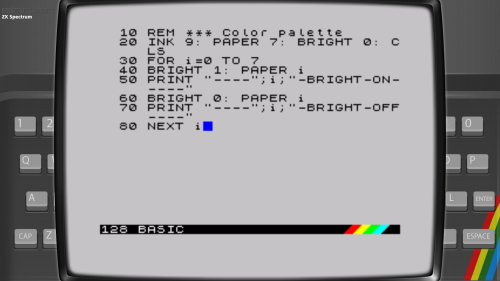
Recalbox is set up for playing games, but it uses a full Spectrum emulator and will open any snapshot or tape file you give it. Follow these steps to set it up for programming:
You can save your programs using Recalbox states, the same way you save a game you are playing. Use your HotKey+B to access the menu.
Don’t try to keep programs using the SAVE command. It looks like it works, but it doesn’t: During the session, you can load a different program from the tape and reload your program but the virtual tape resets when you exit the emulator.
For a full guide to using Recalbox for playing games on Raspberry Pi, see the book.
 Raspberry Pi Official Magazine
© Sean McManus. All rights reserved.
Visit www.sean.co.uk for free book chapters (including Mission Python, Scratch Programming in Easy Steps, 100 Top Tips: Microsoft Excel, Web Design in Easy Steps) and more!
New 10th anniversary edition of my acclaimed novel about what happens when AI and the music business collide.
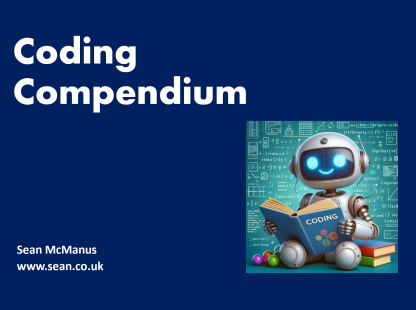
A free 100-page ebook collecting my projects and tutorials for Raspberry Pi, micro:bit, Scratch and Python.
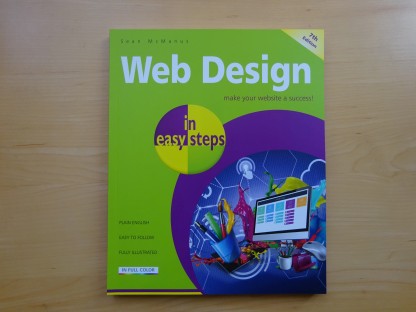
Web Design in Easy Steps, now in its 7th Edition, shows you how to make effective websites that work on any device.
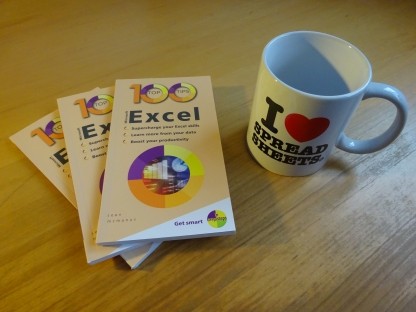
Power up your Microsoft Excel skills with this powerful pocket-sized book of tips that will save you time and help you learn more from your spreadsheets.
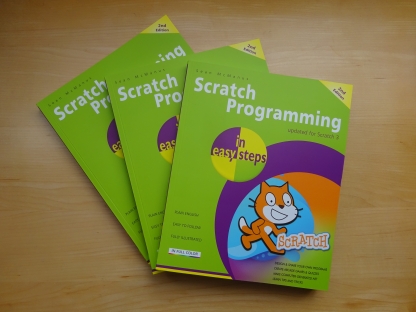
This book, now fully updated for Scratch 3, will take you from the basics of the Scratch language into the depths of its more advanced features. A great way to start programming.
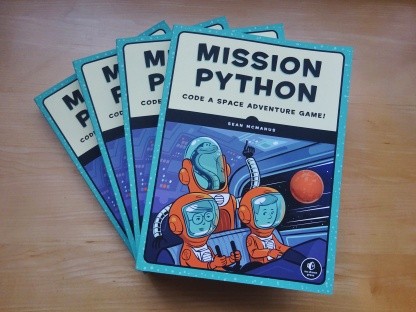
Code a space adventure game in this Python programming book published by No Starch Press.
 Top | Search | Help | Privacy | Access Keys | Contact me
Home |
Newsletter |
Blog |
Copywriting Services |
Books |
Free book chapters |
Articles |
Music |
Photos |
Games |
Shop |
About